
How to Install Python on Ubuntu, Mac, and Windows: Complete Guide
Python is one of the most popular programming languages in the world, prized for its simplicity and power. Whether you want into get into web development, data science, or automation, the first step is to install Python on your machine.
This guide explains how to install Python 3 on Windows, macOS, and Ubuntu (Linux).
1. Install Python on Windows
Installation on Windows has become very simple thanks to the official installer.
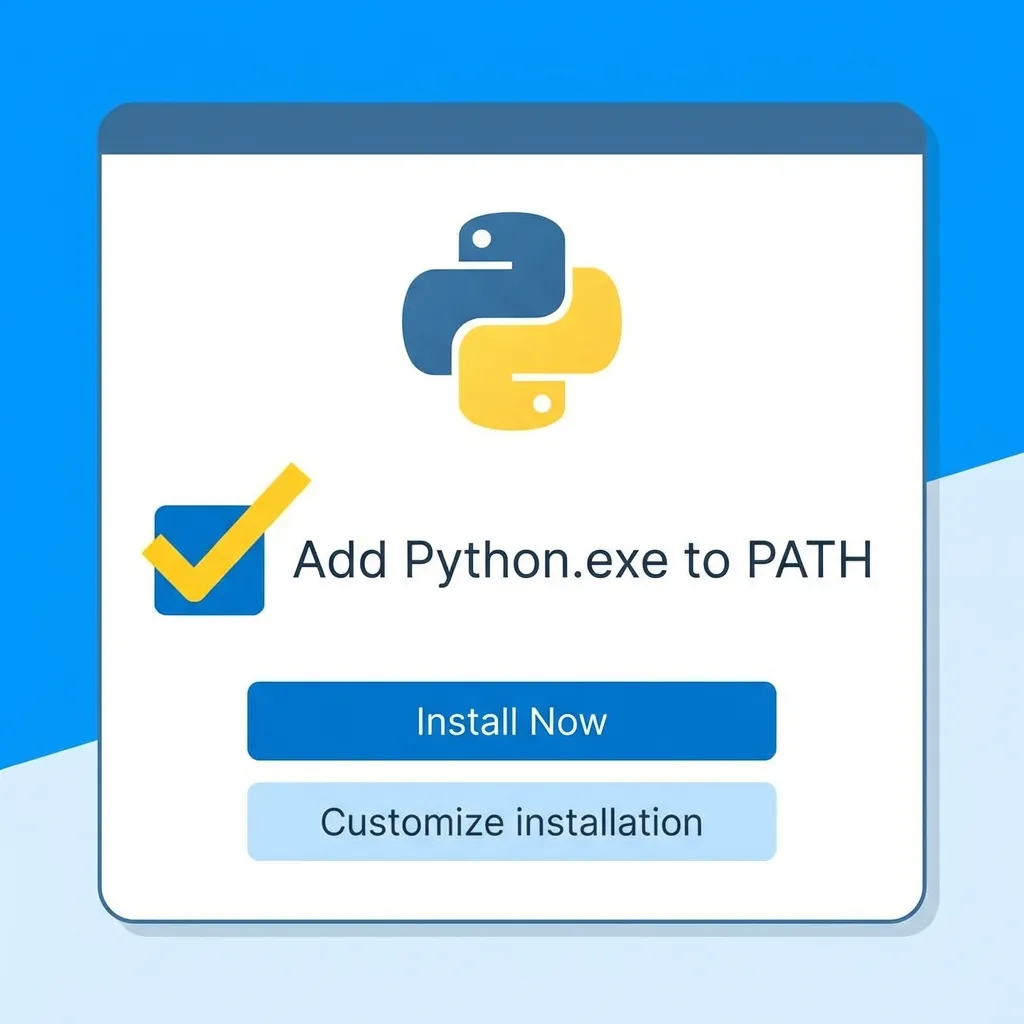
- Go to the official website: python.org/downloads.
- Click the yellow Download Python 3.x.x button (the latest stable version).
- Once the
.exefile is downloaded, double-click it to start the installation. - IMPORTANT: Check the box “Add Python.exe to PATH” at the bottom of the window. This will allow you to use the
pythoncommand from anywhere in your terminal. - Click Install Now.
To verify the installation, open the Command Prompt (type cmd in the Start menu) and enter:
python --versionIf you see a version displayed (e.g., Python 3.12.0), you’re all set!
2. Install Python on macOS
Macs often come with a pre-installed version of Python, but it is usually an older version or one used by the system. It is recommended to install a recent version for your development needs.
Option A: Via the Official Installer (Easiest)
- Go to python.org/downloads/macos.
- Download the macOS 64-bit universal2 installer.
- Open the
.pkgfile and follow the on-screen instructions.
Option B: Via Homebrew (Recommended for Developers)
If you already use Homebrew, this is the ideal method for managing your packages.
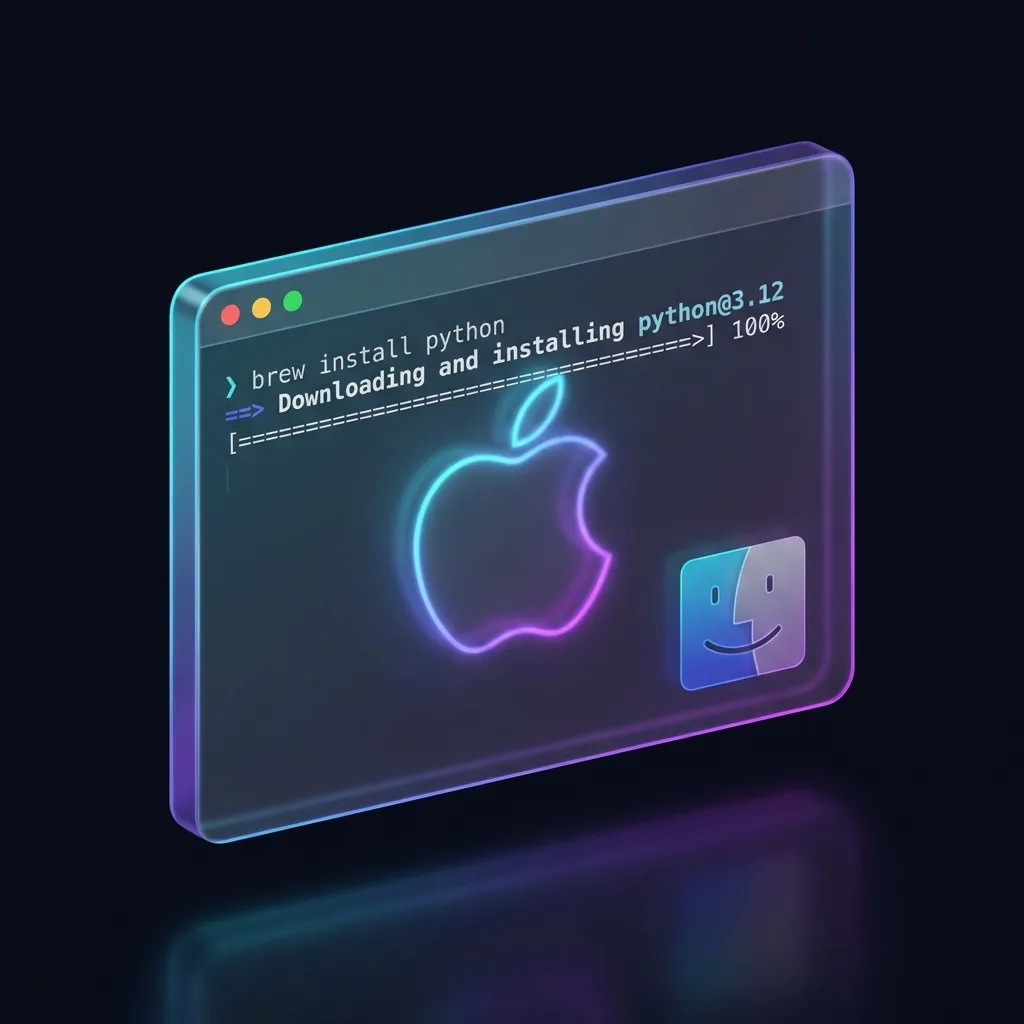
Open your terminal and type:
brew install pythonThen verify the installation with:
python3 --version3. Install Python on Ubuntu (Linux)
Most Linux distributions, including Ubuntu, have Python 3 pre-installed. To check, open a terminal and type:
python3 --versionIf Python is not installed or if you want a specific version, use the apt package manager.
- Update the package list:
sudo apt update - Install Python 3:
sudo apt install python3 - (Optional) Install
pip, the Python package manager:sudo apt install python3-pip
Conclusion
You now have Python installed on your machine! The next step? Writing your first script. Create a file named hello.py with the following content:
print("Hello, world!")And run it from your terminal:
python hello.py
# or python3 hello.py on Mac/Linux
Happy coding!